- HOME
- Product news
- TrainerCentral Communities: Build free or paid communities in your academy
TrainerCentral Communities: Build free or paid communities in your academy
- Last Updated : November 12, 2026
- 0 Views
- 6 Min Read

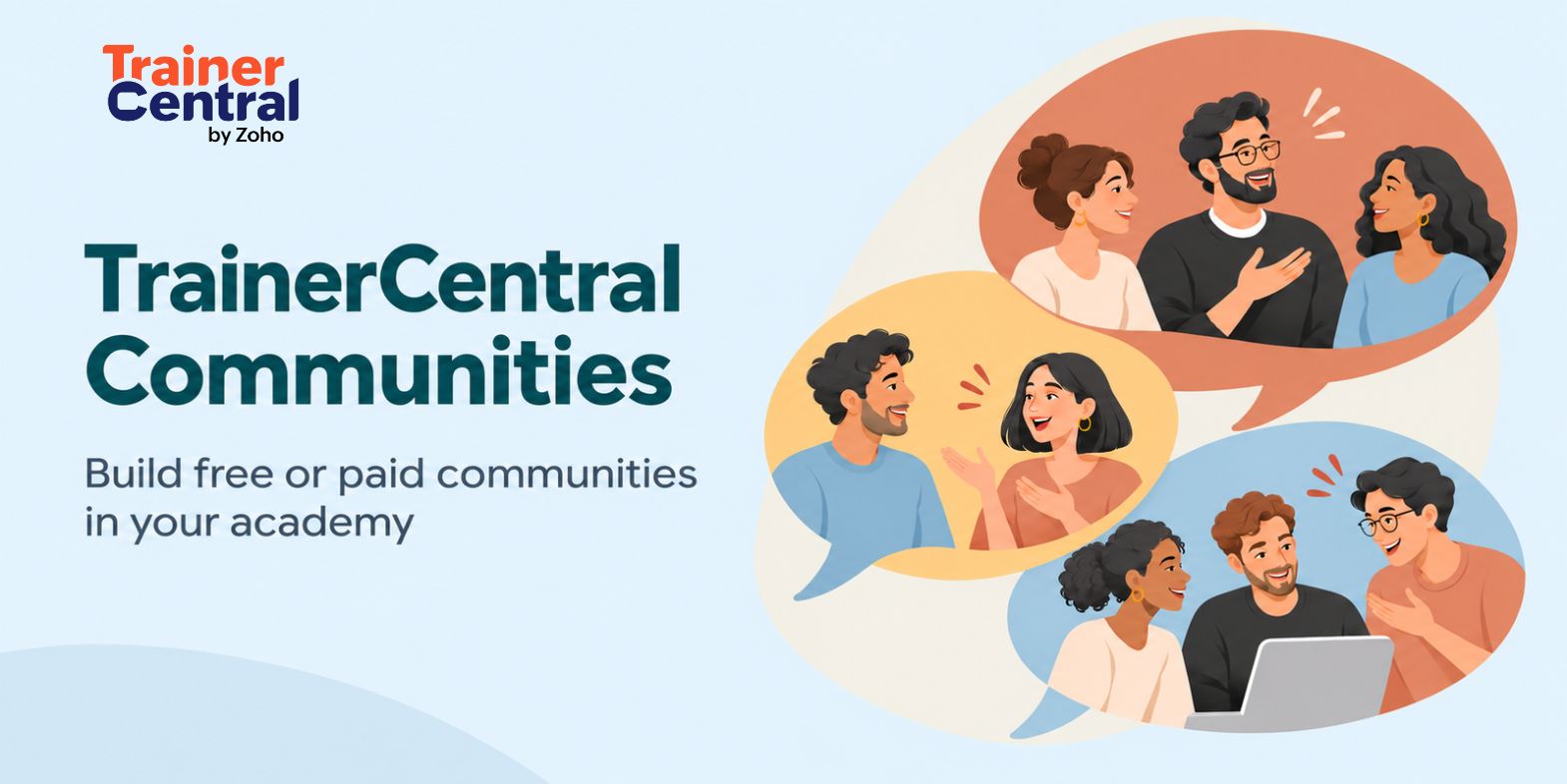
A learner posts a question in your community about managing a difficult project. Another member replies, sharing how a technique from your course helped them handle a similar situation. Someone who hasn’t enrolled asks, “Which course was that?”
That conversation gives one person support and another a reason to explore your teaching. An online community creates room for these exchanges, bringing prospective, current, and past learners together around your expertise.
Community membership doesn’t require course enrollment, so people can get to know your approach before choosing a program. Others may want ongoing guidance and a focused peer group, creating an opportunity for a paid membership.
TrainerCentral Communities lets trainers create free or paid online communities inside their academy, with topic-based spaces for discussions and flexible payment options for memberships. Bring all of your learners together to build your audience, support ongoing learning, and earn beyond individual course sales.
The benefits of an online community for trainers
A community gives people a reason to stay involved beyond the final lesson. Here’s what that can mean for your academy.
Earn from ongoing learning: A paid community gives members a place to keep exchanging ideas and learning from your expertise and each other. For trainers who can offer consistent value, it creates an income opportunity beyond individual course sales.
Help prospective learners discover your courses: People interested in your subject can join your community, take part in discussions and get to know your approach before enrolling in a course. It gives them a way to decide which of your programs fits their goals.
Give peers a way to help each other: Members can share how they approached a problem or applied a lesson. When they answer one another’s questions, you have more time for discussions that need your input.
Find out what to teach next: Recurring questions and shared challenges can reveal gaps worth addressing in your next lesson, workshop or course.
Keep learner relationships going: A community gives current and past learners a place to share progress and stay in touch. Those continued conversations can bring them back to another program or give them a reason to recommend your teaching.
Encourage course recommendations: A learner who found your course useful can recommend it to other members facing similar challenges. These conversations help more people discover your courses through someone who has experienced your teaching.
Give your audience a reason to stay
A learner shares how they used a technique from your course. Another describes where they got stuck. A third suggests an approach that worked for them. These exchanges give learners support as they move from understanding an idea to using it.
For you, this is a chance to see how your teaching holds up in practice. You can recognize progress, address difficulties, and help members learn from one another. Your relationship with learners doesn’t have to end when they complete a course.
Community spaces keep discussions organized by topic, so members can find a relevant question or share progress with the right group. Study discussions, learner milestones, and academy updates each have a place, making a growing community easier to follow.
For example, you could use spaces for:
Study discussions: A learner posts a question about applying a technique, and others share examples or approaches that helped them. Learner milestones: Members share a completed project or a challenge they overcame using what they learned.
Academy updates: You share new courses, upcoming workshops, and other announcements so members know what’s available next.
Reach people before they become learners
Someone interested in your subject may not be ready to buy a course without getting some insights first. A free community gives them a way to explore the topic and get to know your approach first.
A discussion about planning a first project, for example, could introduce people to the way you explain common challenges. As they contribute, you learn more about their goals and which programs might suit them.
Build a paid community around your expertise
A paid community gives you a way to earn from regular access to your expertise and a focused peer group. The value might come from expert-led discussions, practical resources, or guidance on challenges members face at work.
The payment model can match that value. A one-time payment might suit a community built around a defined program, while a subscription can support an ongoing professional membership and bring in recurring revenue. Payment plans and part payments provide additional ways to charge for access.
TrainerCentral’s purchase links make it easier to direct interested people to a membership, while coupons let you offer special pricing for a launch or early supporters. You can schedule when the community is published and set registration and availability dates to align with a course launch or a new cohort.
Members are more likely to renew when they find consistent value in the discussions, resources and interactions the community offers. Explain what members can expect, such as a monthly expert-led discussion or regular practical resources, and make sure your contributions match that commitment.
One trainer, three communities
Imagine Sarah, a project management trainer, using the three communities available on the Professional plan. She gives each a different purpose and audience.
Her open community is free to join and welcomes anyone interested in project management. People discuss common challenges and explore the subject before deciding whether one of Sarah’s courses is right for them.
Her premium community is a paid membership for professionals who want focused discussions, practical resources, and expert guidance. Sarah shares case studies and leads conversations about decisions members face at work.
Her alumni community brings past learners together to exchange experiences and support one another. A former learner might share how they handled a difficult stakeholder conversation, helping others apply what they learned in Sarah’s courses.
Each community serves a different purpose: introducing new people to her teaching, providing paid professional support, and maintaining connections with past learners. On the Starter plan, which includes one community, a trainer can begin with the audience they most want to serve.
Tips for building an active online community
Make the purpose clear: Explain who the community is for and what members can gain by participating.
Set expectations early: Share community guidelines in Announcements so members know what to post, how to treat one another, and where to ask for help.
Give people something to respond to: Post a practical question, a familiar challenge or an example from your teaching before inviting members in.
Be present in the early weeks: Welcome introductions, respond to questions, and connect members with relevant discussions.
Use feedback visibly: When a member’s question inspires a lesson or workshop, let the community know. It shows that their contributions matter.
Keep learning going beyond the course
Your courses help learners develop new skills. Your community gives them a place to exchange experiences, work through challenges, and build connections around what they’re learning.
Whether you’re building an audience, supporting past learners, or creating a paid membership, TrainerCentral Communities brings those conversations into your academy. Choose the audience you want to serve and give them a reason to join.
Explore TrainerCentral Communities.
FAQ
What are TrainerCentral Communities?
TrainerCentral Communities lets trainers create free or paid online communities inside their academy. Discussions are organized into spaces so members can find relevant conversations.
Do members need to enroll in a course?
No. Communities are separate from courses. People can join your community whether they’ve enrolled in one of your courses.
Can I charge for community access?
Yes. Supported options include one-time payments, subscriptions, payment plans, and part payments. You can also offer free access and create coupons for paid tickets.
How many communities can I create?
The Starter plan includes one community. The Professional plan supports up to three.
Can I hide a community from my academy homepage?
Yes. You can hide it from the homepage and share its direct link with your intended audience. Hiding it changes its visibility in the listing; learners can still access it through the link.
What can I share in an online community?
Trainers can share questions, discussions, practical resources, learning experiences, and updates relevant to their community. Members can also contribute their own experiences and help one another work through challenges.
How is an online community different from a course?
A course provides structured lessons. A community supports ongoing discussion, shared experiences, and peer learning, independently of course enrollment.