- HOME
- Product news
- Introducing TrainerCentral's Website Builder 2.0: Craft websites that truly represent your brand and expertise
Introducing TrainerCentral's Website Builder 2.0: Craft websites that truly represent your brand and expertise
- Last Updated : February 26, 2026
- 176 Views
- 4 Min Read

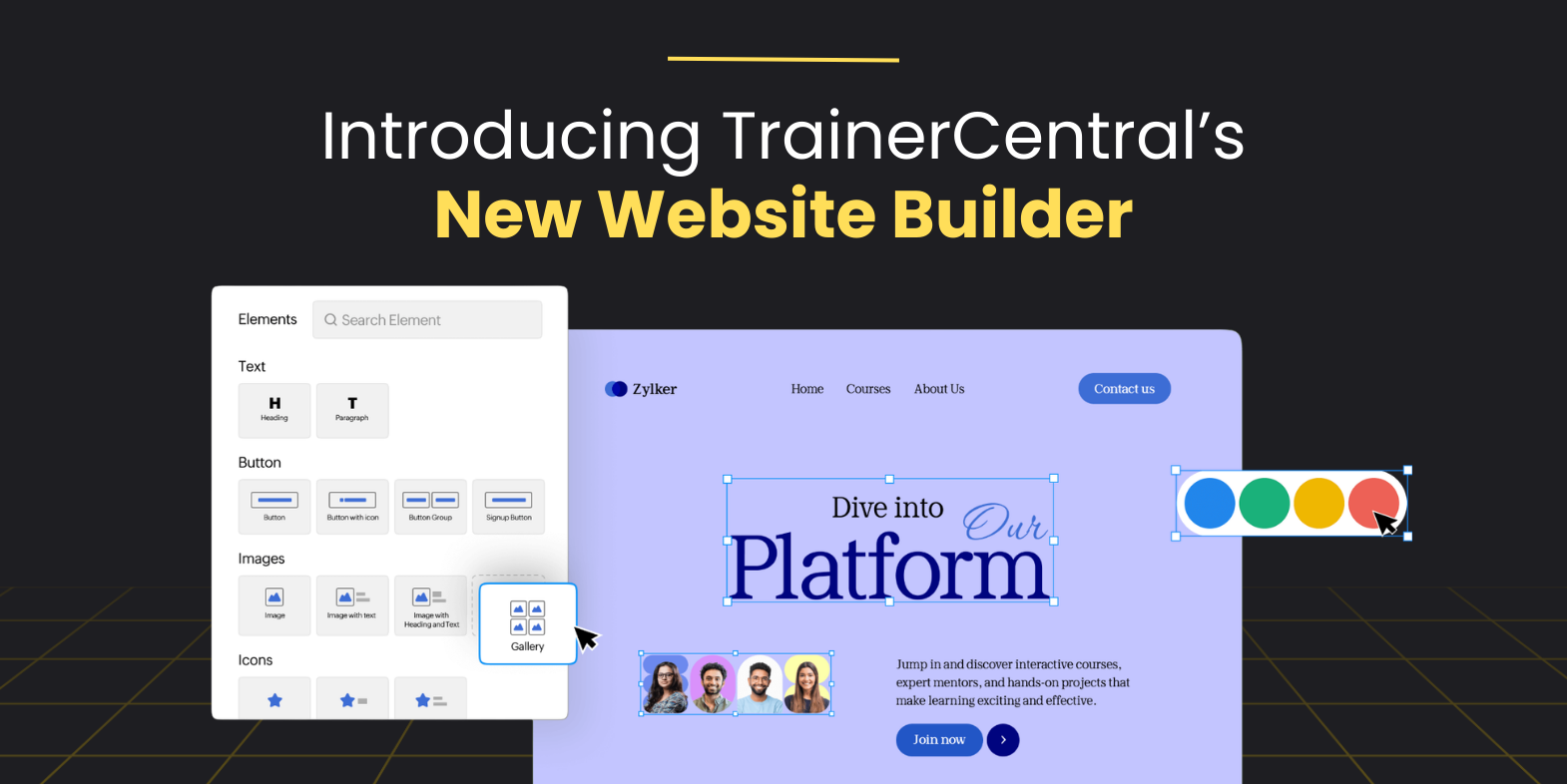
A website is where learners connect with your brand, explore your courses, and decide whether to take the next step and enroll. That’s why creating a visually appealing and user-friendly site is essential to the success of any online course business.
To help trainers shine online, we’ve completely upgraded TrainerCentral's Website Builder tool with brand new features that give you more flexibility, control, and creativity.
With this release, you’ll find everything from stunning new templates to advanced customization options, developer-level controls, and mobile-friendly updates—all in one place. Let’s dive into what’s new in TrainerCentral's Website Builder 2.0.
Fresh design templates and pre-built page sections
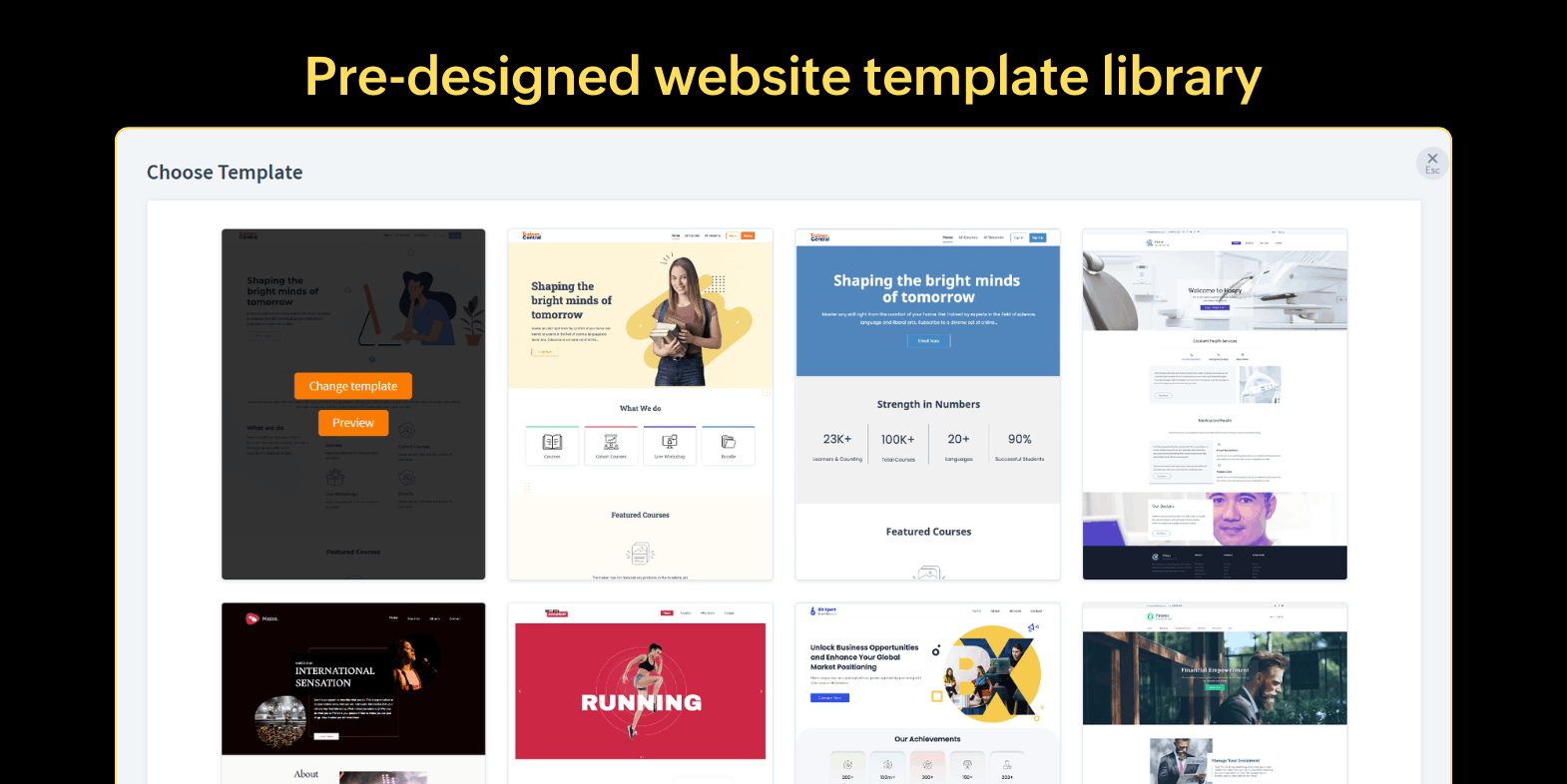
We know that not every course creator has the time or design acumen to design a website from a blank slate. That’s why we’ve added a ready-to-use website template library with 17 brand new design templates to help creator jumpstart their website designing process.
Whether you’re a yoga instructor, corporate trainer, or music teacher, you’ll find templates that suits you. The drag-and-drop features make it easy to rearrange layouts and customize the templates just the way you want.
You can design layouts even further by adding pre-built page sections, such as testimonials, pricing tables, call-to-action banners, and course highlights.
Advanced customization options
Your course website should feel uniquely yours, reflecting your brand and vision. In the new website builder, we’ve included a bunch of customization features to help you design even the smallest of elements on your website to ensure branding consistency.
The custom color picker tool now helps you pick shades using color codes beyond the preset palette to represent your brand perfectly.
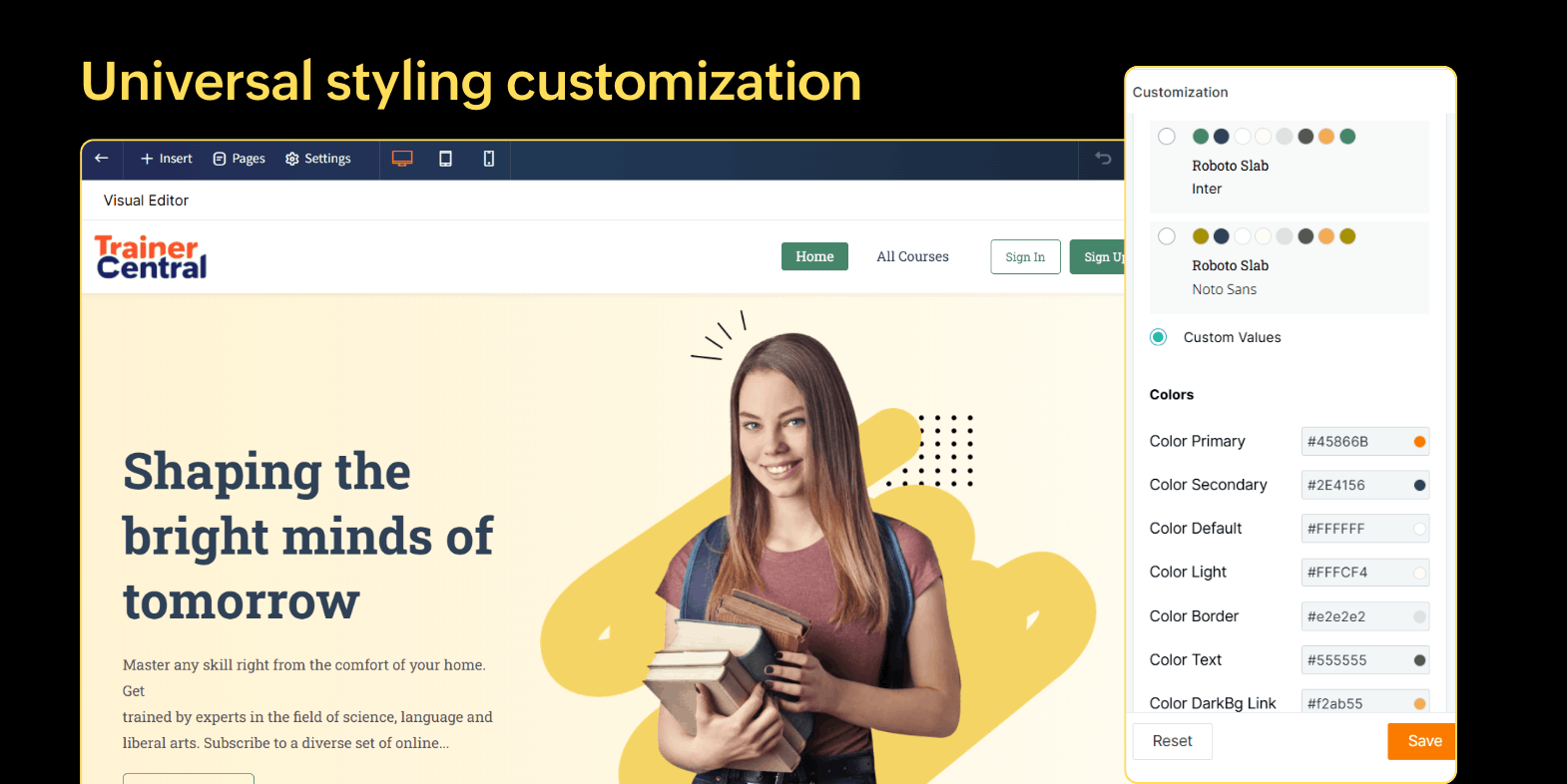
To align the entire website's look and feel to your brand, you can use the universal styling and primary color settings to set fonts, colors, and buttons at the same time for consistent styling.
Now, you also have the option to customize the header section, giving you complete freedom for logo placements and menu spacing.
Element animation support
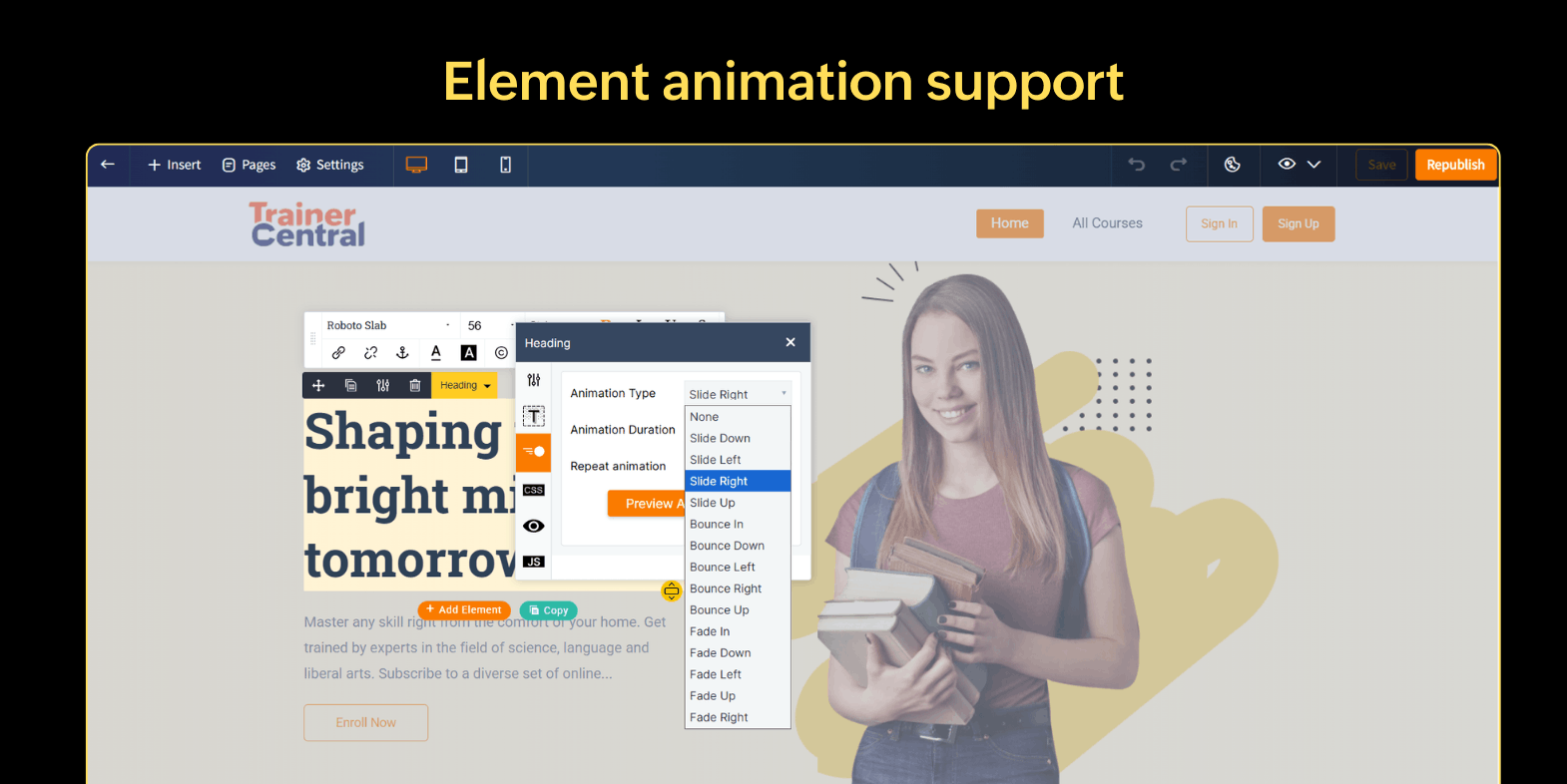
The new website builder supports element animations, which you can use to add subtle animated motion to text, images, and buttons. A gentle fade-in or slide animation can make content more dynamic and appealing for your website visitors.
Custom CSS and JS support
We’ve built the new website builder to be friendly for both non-designers and creators who like push their creative boundaries by experimenting designs.
Advanced designers who prefer to add unique design elements can now add custom CSS and JavaScript to fine tune layouts or add interactive elements. Want a custom countdown timer for your launch? Or adjust the spacing between elements? You can do it all using custom CSS and Java Scripts.
For example: Let's say you’re running an academy offering multiple courses and want to personalize the homepage experience. You can add a short custom script that detects if a visitor has previously enrolled in any of your courses (using a cookie or local Storage flag). With this setup, you can deliver a personalized experience like displaying personalized greetings such as ''Welcome back, Alex!'' or even recommend related courses based on the visitor's past enrollments or actions.
Add tracking and automation tools
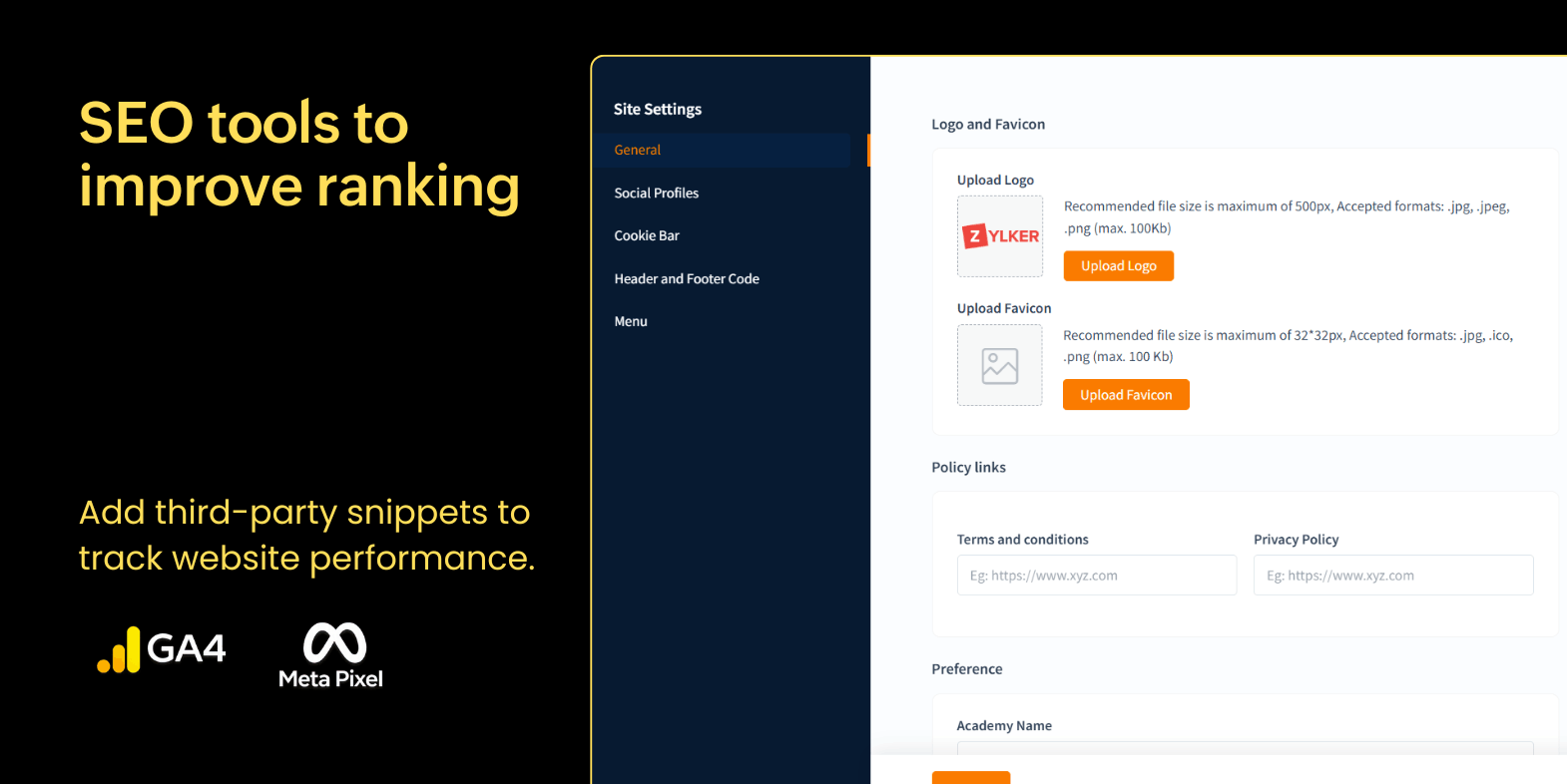
Connect your preferred marketing automation and analytics tools using the comprehensive Header and Footer customization feature. Using the Header and Footer tool, you can now embed analytics scripts, chat widgets, email marketing tags, or tracking pixels directly into your site, all from one place.
It’s a streamlined way to track website visitors, interact with them, and gather marketing insights without having to juggle external code injectors or plugins.
SEO optimization tools for better visibility
Designing a stunning looking website is only half of the equation; being discoverable by your audience is the most important aspect for a website.
With the new SEO features, you can edit meta titles, meta descriptions, and keywords, improving organic ranks on search engines like Google, Bing, and others.
Individual page SEO optimization
Now you have the option to tailor SEO visibility for every single page, giving you complete control to decide which pages should appear on search engines and which shouldn’t be indexed. The meta title and descriptions can also be tailored for every page.
External linking menu
Website navigation is crucial to elevate the website visitor experience. You can now add external links to the website menu and direct users to your blogs, community spaces, or social channels, keeping your ecosystem connected.
Cookie consent bar
Easily comply with user privacy and data regulations by activating the new cookie consent bar, letting visitors know about the methods of data collection and user tracking.
Effortless page management
Managing multiple pages across your academy website is now smoother than ever.
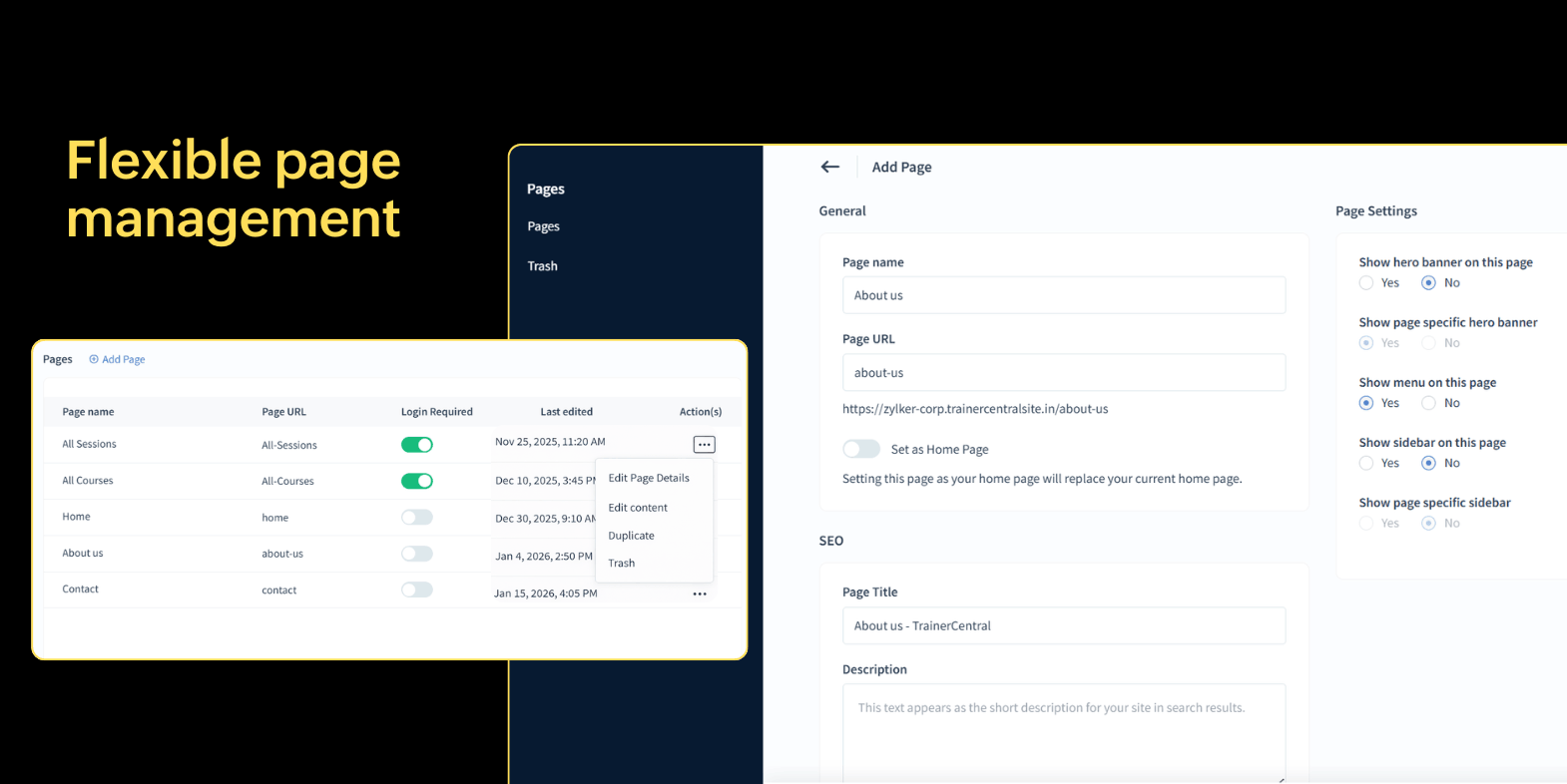
Accidently deleted a page? No worries, you can now restore it instantly from the Trash list, a small feature that saves big headaches and time.
Want to duplicate the layout of your top performing page? It's just a click away now. Simply click on Duplicate to create a new page and start editing the content as needed.
Optimized mobile version for seamless experiences
Your visitors aren't just on laptops; they can be one their phones, tables, or anything in between. Think about running ads on Instagram promoting your course and people land on webpage that isn't mobile-screen optimized. Sounds bad, right?
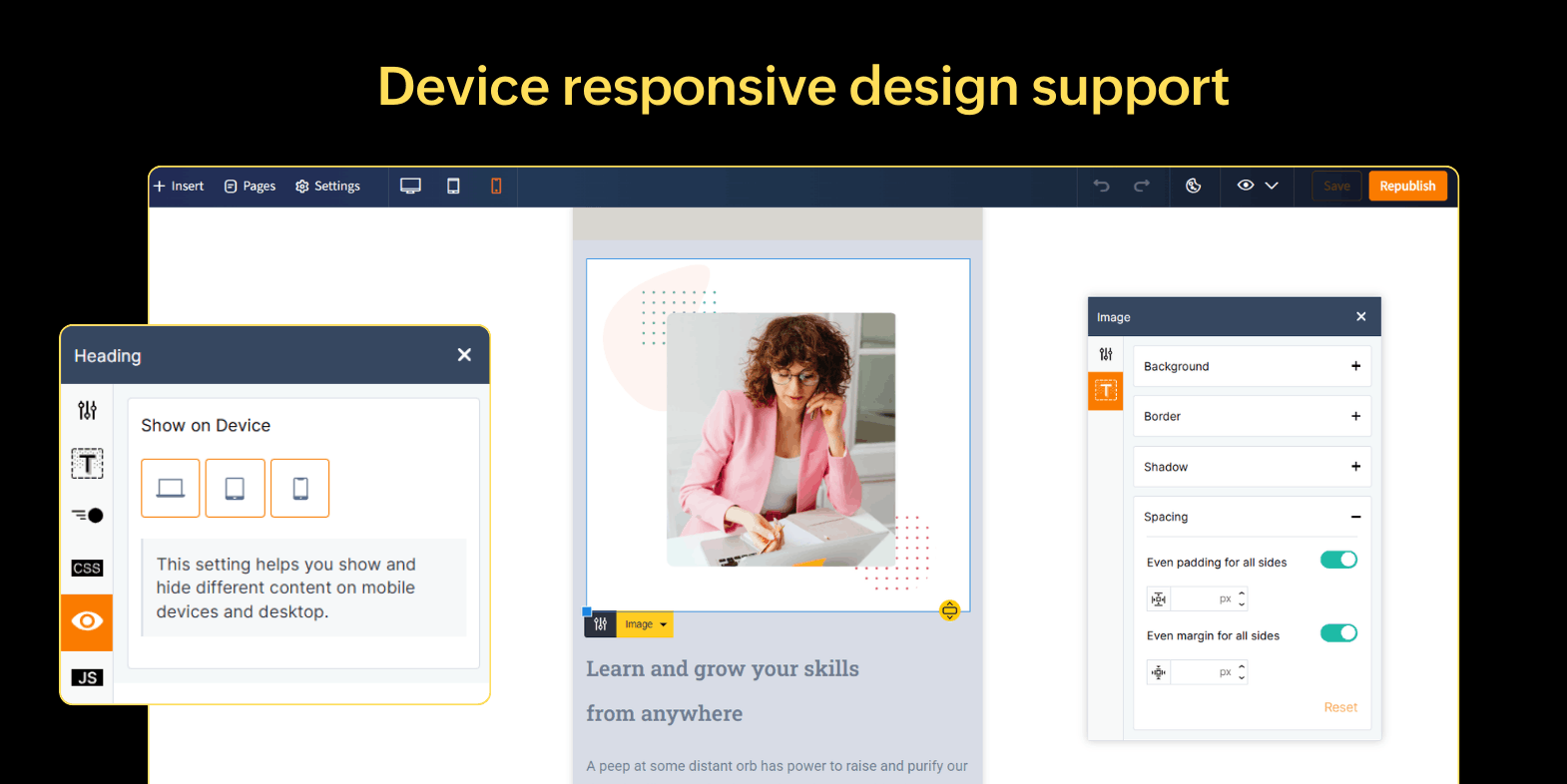
The new mobile version editor ensures that your site performs well in all screen sizes and device types. You can even customize layouts for different screen sizes by hiding certain elements, and make sure your CTAs are thumb-friendly.
Final thoughts
The new TrainerCentral Website Builder isn’t just a simple feature upgrade, it’s a major forward leap for course creators looking to build their brand's online presence. It offers powerful designing tools, beautiful templates, animation effects, and smart SEO, all in a simple package.
The new website builder 2.0 makes the entire website building journey a lot more exciting without being overwhelming. So go ahead and start exploring our new website builder, experiment endlessly, and create a website that tells your story, your way.