Secure your course content, protect your revenue

TrainerCentral gives you real, enforceable protection for your course materials and assessments, built on Zoho’s privacy-first, secure cloud infrastructure. No third-party tools needed. Your content stays yours.

  • 15-day free trial
  • No credit card required
Secure your course content
Content protection illustration

Your content is valuable. Keep it protected.

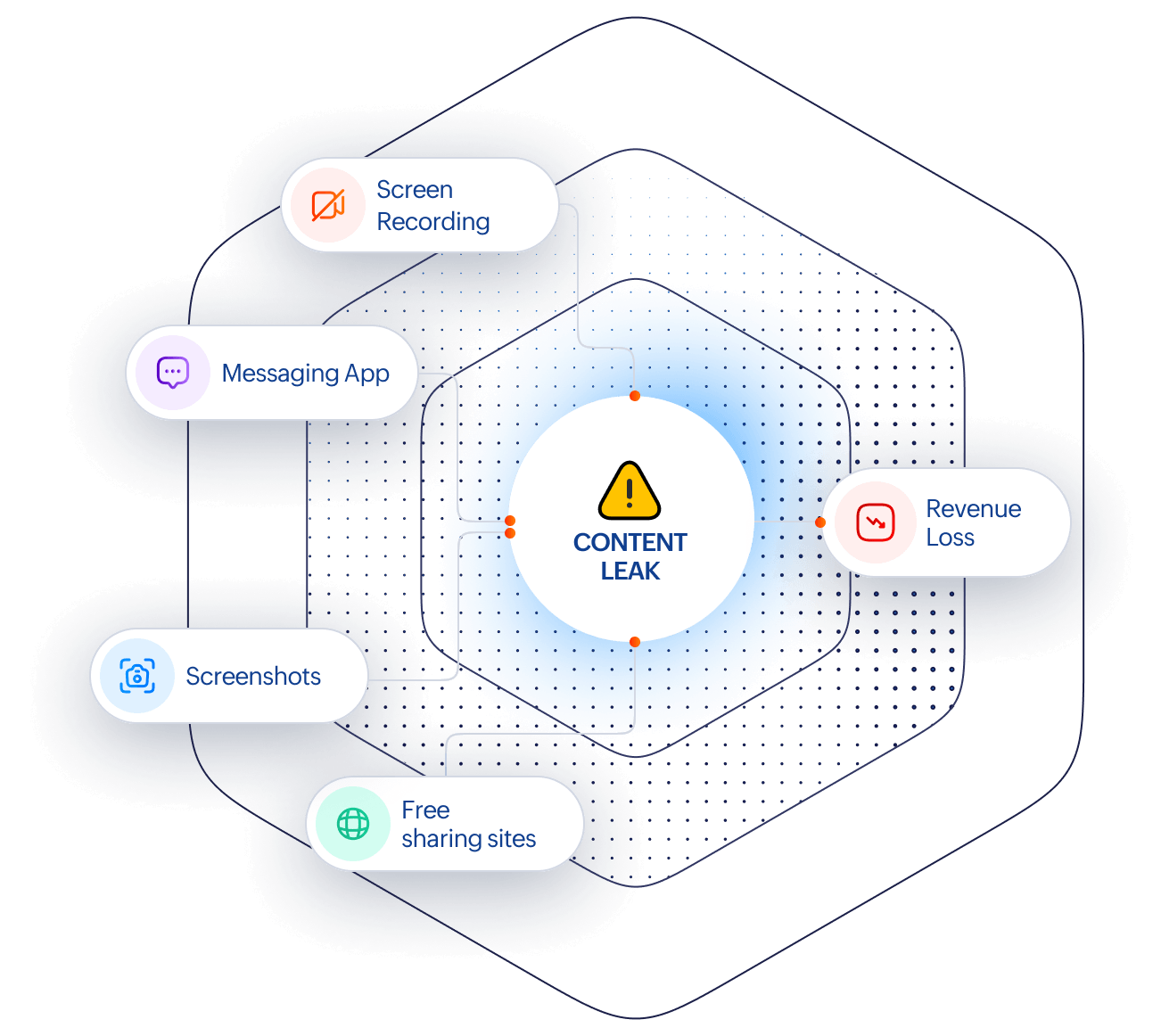
  • Every time a learner opens your videos or PDFs, your intellectual property is exposed.

  • Screen recordings get shared in messaging groups. Test answers get screen-shotted and circulated. Paid content shows up on free-sharing sites.When your best material travels for free, your revenue does not.

  • Most platforms do not give you control over this. TrainerCentral does.

The TrainerCentral Learner Desktop app

When learners access your courses through the desktop app, you control what they can and cannot do with your content. No browser vulnerabilities, no workarounds.

TrainerCentral Learner Desktop app
Secure course content interface

Lock your course content down

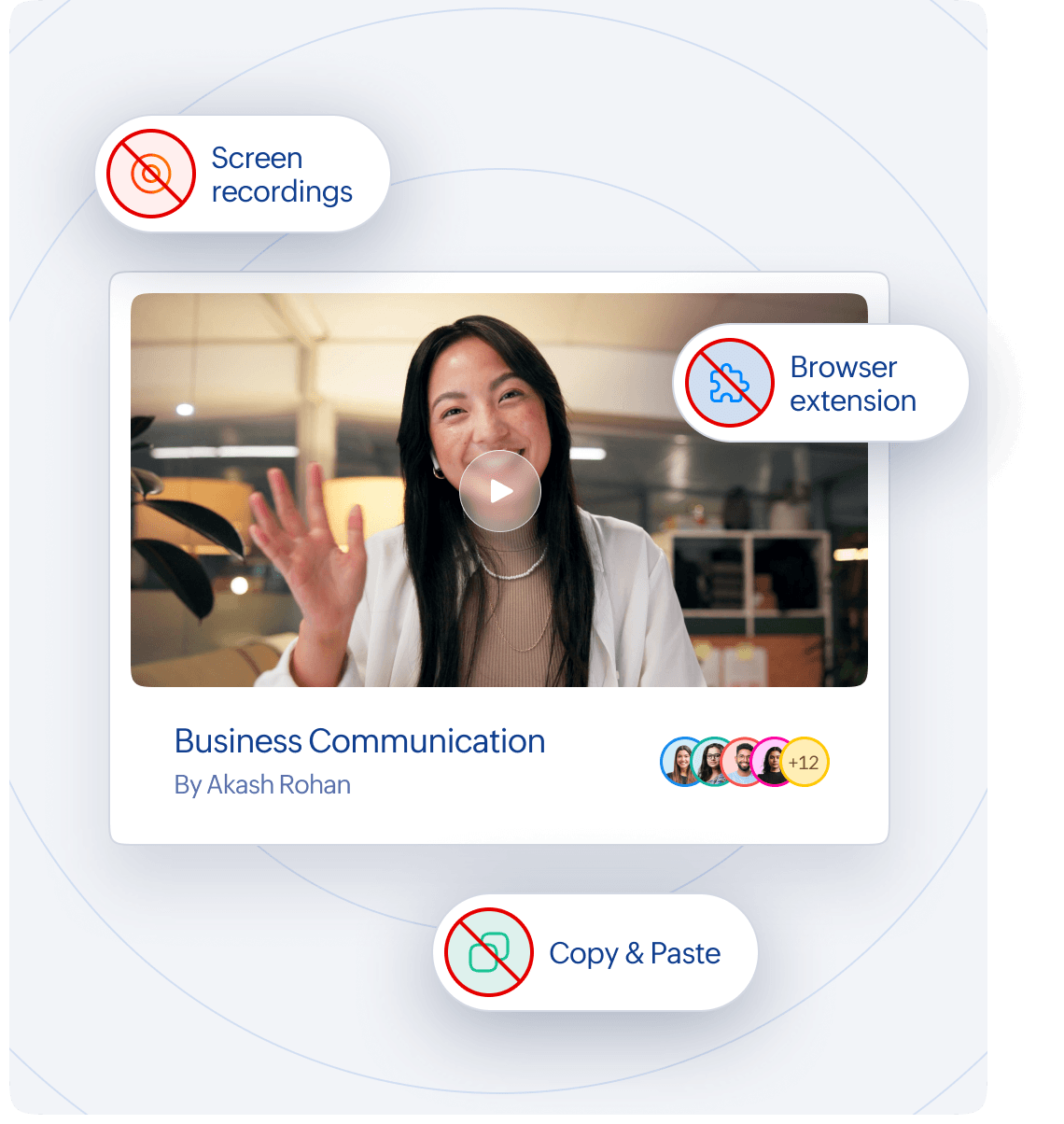
Prevent learners from taking screenshots, recording their screen, or copying text from your course materials. What lives on your platform stays on your platform.

  • Screenshot and screen recording blocked during course playback

  • Copy and paste disabled within the app

  • Third-party browser extensions and add-ons restricted from running

Kiosk mode to ensure tests are taken fairly

Enforce strict test controls during assessments, so learners cannot look up answers, mirror their screen to another person, or switch to a cheat sheet mid-test.

Detect and log exit attempts or app switching as violations, with the option to automatically submit the assessment.

Prevent the use of external monitors and screen mirroring throughout the test, ensuring integrity.
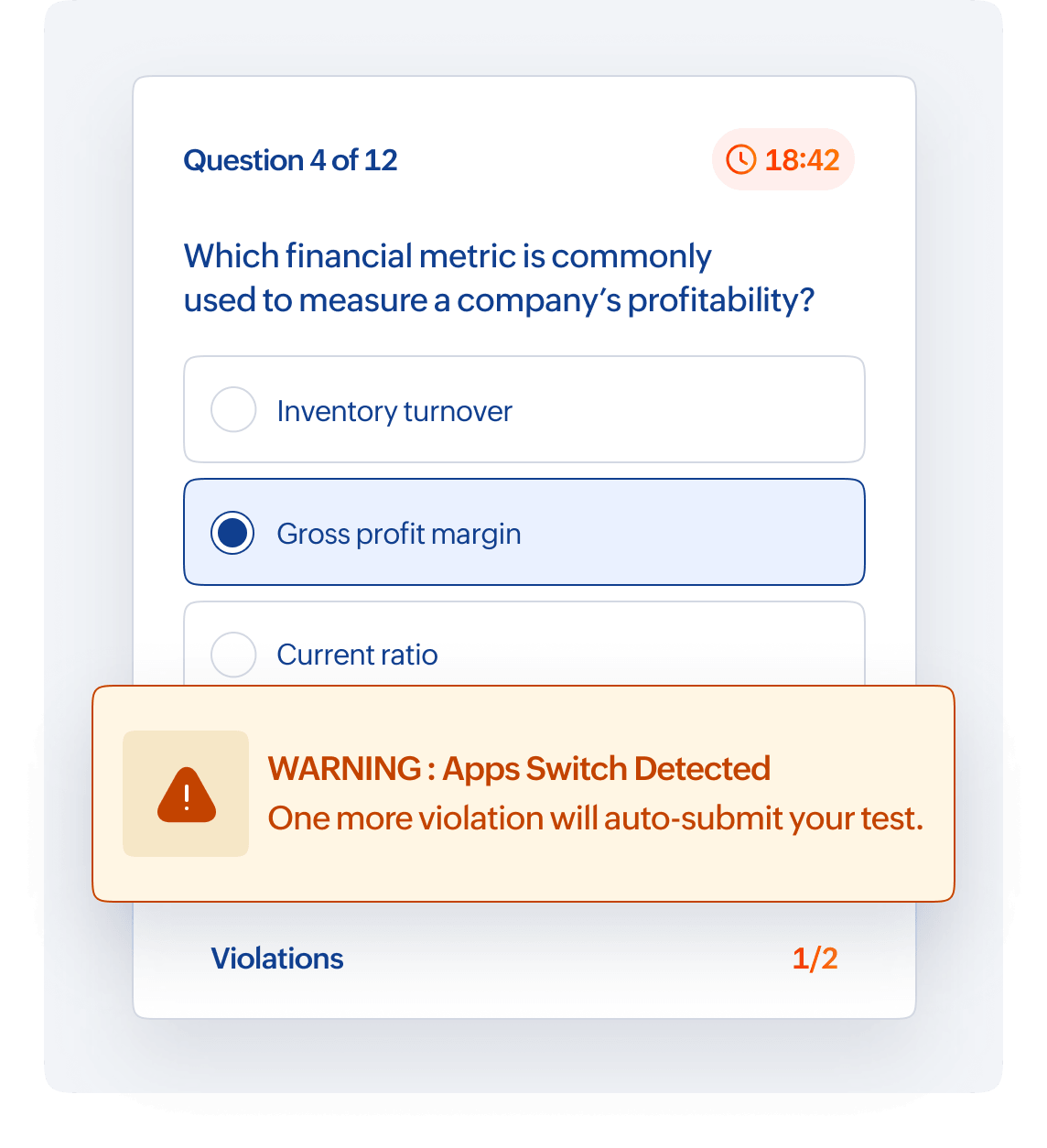
  • App and task switching restricted

  • External monitors and screen mirroring blocked during tests

  • Clear warning shown to learners during violations

Test fairness interface

Content protection that extends to mobile

Protect your videos and course materials across devices with built-in screenshot and screen recording prevention on the Learner mobile app.

Hand holding mobile phone showing the TrainerCentral Learner app

Dynamic Watermarking

Prevent unauthorized sharing with watermarks embedded directly into your course content, even during screen recordings.

Overlay academy logo, academy name, and learner email ID on videos and PDFs during playback to ensure traceability.

Display dynamic watermarks on videos with customizable position, size, visibility, and movement to make removal difficult.

Apply fixed or diagonal watermarks on PDFs with an option to repeat across all pages, with adjustable size and opacity.

  • Display academy logo, academy name, and learner email ID

  • Use fixed or moving watermarks on videos

  • Add watermark across all PDF pages

  • Adjust watermark size and visibility

PDF watermarking preview

Compliance and certifications

TrainerCentral complies with globally recognized security, privacy, and quality standards to ensure your course data remains secure and compliant.

Learn more

Your content is protected beyond just features

  • TrainerCentral is built on Zoho’s secure cloud infrastructure, trusted by over 150 million users worldwide.

  • Your course content is not only protected during playback, but also secured at every level of the platform.

Robust data encryption

Strong encryption helps protect your data and maintain data integrity.

Strict data isolation

Strict data isolation ensures your content is never shared across accounts

Continuous monitoring

Continuous monitoring and threat detection keep your platform secure

Secured data centres

Secured data centres with continuous monitoring and threat protection

  • 15-day free trial
  • No credit card required

Start protecting your online courses today.